● Start · 10 minutes
Quick start
SLUICE running.
The shortest way from the zip to the SLUICE console on your computer. No account and no key are needed to start. If Flutter is not installed yet, do Requirements first.
01Before you start
flutter --versionshows Flutter 3.41 or newer (Dart 3.11).flutter doctorshows no red errors for Chrome or macOS.
Windows
The commands on these pages are written for a macOS or Linux terminal. On Windows, the flutter commands also work in PowerShell; run the tool/*.sh scripts from WSL or Git Bash.
02The ten minutes
- Unzip and open a terminalPut the folder somewhere without spaces and
cdinto it. - Install packages
flutter pub get - Run it in Chrome, with your own operator passcode
Pick any passcode of six characters or more; the console asks for it before it opens. A build withoutflutter run -d chrome --dart-define=SLUICE_OPERATOR_PASSCODE=choose-your-ownSLUICE_OPERATOR_PASSCODEhas no console at all (why). This is the quickest way to look around. For real rounds the desktop app keeps your key in the OS keychain (macOS). - Check the code (optional)
flutter analyze   # expect: No issues found
flutter test      # expect: All tests passed
03What you should see
- The passcode screen: OPERATOR CONSOLE, a passcode field and Unlock. Type the passcode you chose.
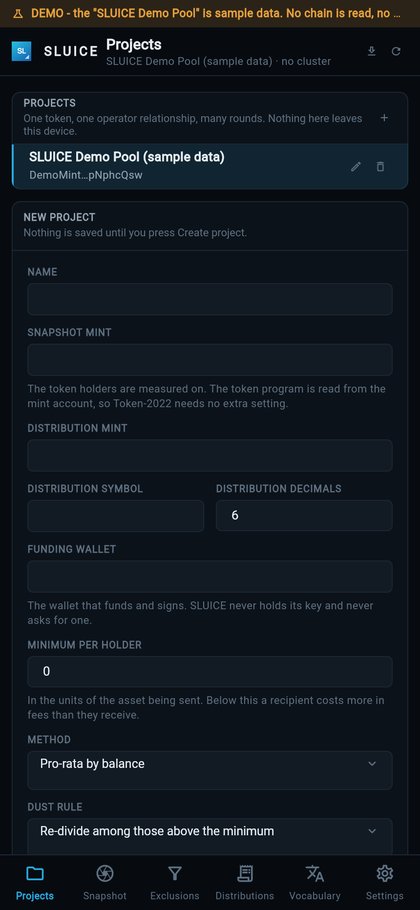
- Then the first-run screen: Create the first project and Endpoints and keys. Nothing is pre-loaded.
- A notice that SLUICE runs on the public Solana endpoint. That is fine for a look; replace it before a real round (Installation).
- No fee: the fee is off until you set a wallet and a rate (Your fee).
Next
Continue with Installation, then Your first round.